








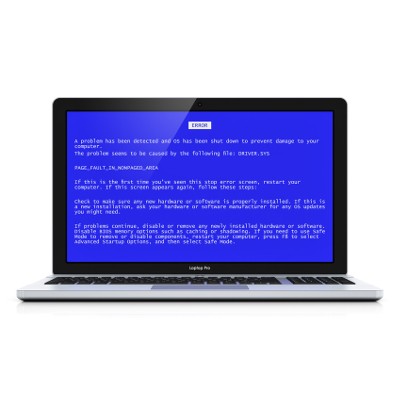
If you happened to plug your Kindle into your computer and get a blue screen of death, you aren’t alone. Many Kindle users have discovered that the Anniversary update to Windows 10 has caused an issue when attempting to use USB to charge the device or transfer books. It would seem that, within moments of connecting the Kindle to a Windows 10 device, the device will lock up and display the dreaded Blue Screen of Death before rebooting.
Those users who have experienced this issue have taken to Microsoft’s forums, posting their grievances and describing their troubleshooting experiences. Unfortunately, these accounts seem to vary from user to user - some of whom are those who updated to the Anniversary version of the OS, as well as some on pre-release software testing service Microsoft Insider.
Some users have found that their devices are restored to normal function after the reboot, only to encounter the issue again on the next reboot. Some find that having the OS of their desktop or laptop asleep as they plug in their e-reader tablet will prevent the BSoD issue from occurring. However, this does not seem to be a rule among those affected, as many have experienced their device crashing regardless of what they do.
These experiences are documented in posted descriptions of what users did to troubleshoot the issue. However, the issue was persistent, despite elements (like the USB cable used) being used as variables.
This isn’t the first issue Microsoft has contended with since the release of the acclaimed operating system’s Anniversary update. In addition to the increased usability and features that the update brought, it also brought a bug that led to many Windows 10 users being unable to use their webcams.

